

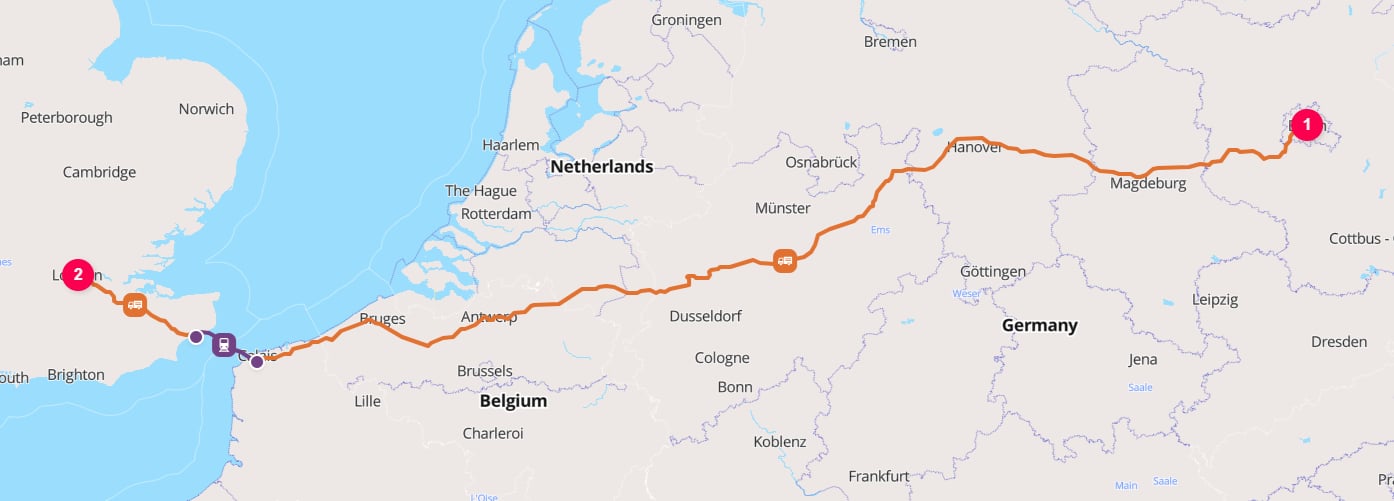
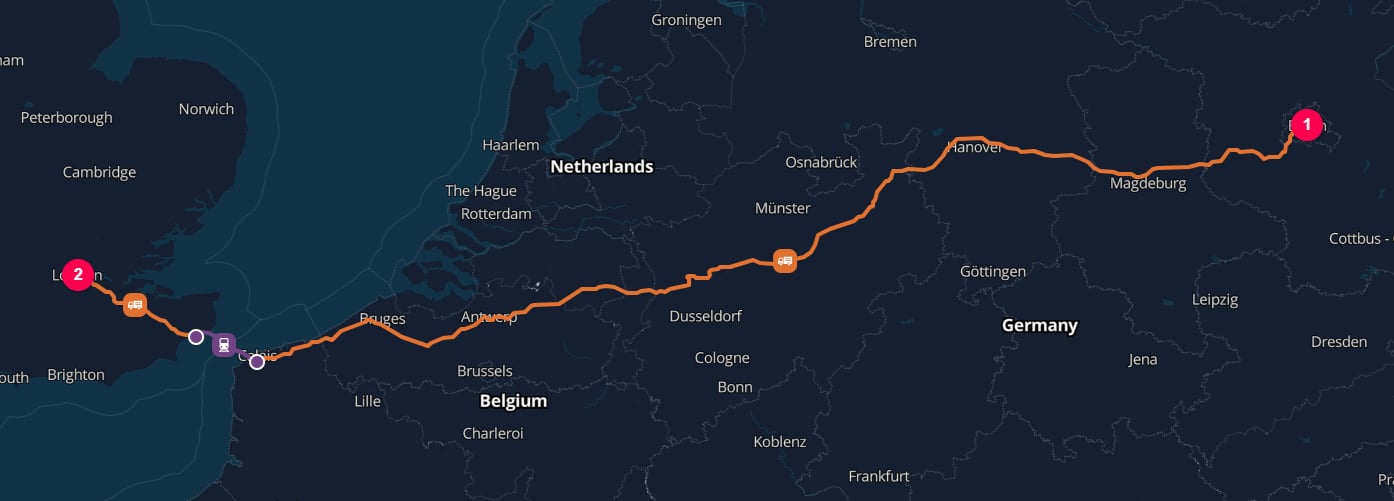
Road transport from the Reichstag Building in Berlin to the Palace of Westminster in London
1. Describe the cargo
Define what is being moved and how much it weighs.
2. Set the locations
Define where the shipment starts and finishes.
3. Build the chain
Describe the ordered journey between those locations.
4. Choose the operation
Select how the cargo moves on each leg of the journey.
This first calculation deliberately relies on TerraTwin defaults for the road vehicle, loading, empty running, energy type, and other modelling inputs.
Once the request works, use the linked guides to replace those defaults with information you know.
Before you begin
You need:- A TerraTwin account
- An API key from Manage API Keys
- At least one available credit
- A way to send an HTTP request; this tutorial uses
curlfor the final test
Authentication
Every request must include your API key in the
x-api-key header.See API keys for creating, storing, rotating, and revoking keys.Credits
Calculations consume credits according to the transport operations that TerraTwin processes.See Credits & usage for charging rules and examples.
Build the request
We will build the request body one section at a time. Each step shows the complete JSON as it stands at that point, so you can see how the pieces fit together.1
Define the cargo
Every calculation starts with a The weight should include the goods and packaging supplied by the shipper. It should not include carrier equipment such as pallets or shipping containers added after handover.This minimal object is enough for a first calculation. For more representative defaults, you can also describe the cargo category, density characteristics, and climate-control requirements.See the Cargo guide for supported weight units, cargo categories, temperature control, density, and how cargo properties affect transport and hub defaults.
cargo object.
The only required cargo property is weight, which contains a positive value and a supported unit.Start with this request body:2
Define the origin and destination
Add top level
origin and destination objects.
Each location needs a type and enough information for TerraTwin to resolve it.For this tutorial, use structured address PLACE locations:PLACE is suitable for cities, addresses, postcodes, buildings, or coordinates. TerraTwin can also resolve purpose specific locations such as AIRPORT, RAIL_YARD, and HARBOR.See the Locations guide for coordinates, structured and freeform addresses, postcodes, IATA airport codes, UN/LOCODEs, location types, and matching behavior.3
Create the transport chain
Add a See the Transport chains guide for single leg and multimodal chains, chain boundaries, and the difference between requested legs and the operations realized in the response.
transportChain array to describe how the cargo moves from the origin to the destination.A transport chain is ordered. Each element is either:- A transport operation, which moves the cargo on one requested leg
- A
HUB, which defines the boundary and handling point between legs
4
Choose the transport operation
The
type inside the transport chain element selects the operation for that leg.
This tutorial uses ROAD, which lets TerraTwin choose a default vehicle and operating configuration.Use the guide for the operation you need when you are ready to add more detail:ROAD
Trucks, vans, vehicle size and structure, loading, empty running, energy, consumption data, and route options.Read the Road transport guide
RAIL
Train selection, train weight, cargo mappings, traction energy, rail yards, and connector movements.Read the Rail transport guide
WATER
Vessels, capacity and size, containers, harbor selection, and navigation constraints.Read the Water transport guide
AIR
Aircraft, airports, belly freight and freighters, route restrictions, and stopovers.Read the Air transport guide
UNKNOWN
Use this only when the mode is genuinely unknown. TerraTwin tries fallback modes in order and selects the first one that succeeds.Read the Unknown transport guide
WEIGHTED_MODES
Use this when several known alternatives contribute to one leg. TerraTwin calculates every alternative and combines them using percentages that total
100.Read the Weighted modes transport guideUNKNOWN and WEIGHTED_MODES solve different problems. UNKNOWN stops at the first feasible fallback mode; WEIGHTED_MODES calculates all supplied alternatives and returns their weighted combination.Send the calculation
In an application, you would normally send this JSON using the HTTP client for your programming language or framework. For this tutorial, usecurl to make the same request directly.
Select the shell you use below. Each command sends the same HTTP request; only the quoting and line-continuation syntax differs between shells.
Replace your-api-key with your TerraTwin API key, then run the command.
- PowerShell 7.3+
- Windows PowerShell 5.1
- Command Prompt
- Bash or zsh
200 and a JSON calculation result.
Read the result
Start with these top-level response properties:One requested transport-chain element can produce several realized elements in the response. For example, an
AIR, RAIL, or WATER leg between two general places can include first-mile road, a departure hub, the primary mode, an arrival hub, and last-mile road.Extend the request to multiple legs
A chain can contain several transport operations, but each pair of requested operations must be separated by aHUB that defines where the first leg ends and the next begins.
For example, this chain moves cargo by water from the port of London Gateway [GBSHV] to the port of Antwerp [BEANR], handles it at the Antwerp maritime terminal, and then moves it by road to Frankfurt:
location is both the destination boundary for the WATER leg and the origin boundary for the ROAD leg. The hub can also contribute cargo-handling emissions.
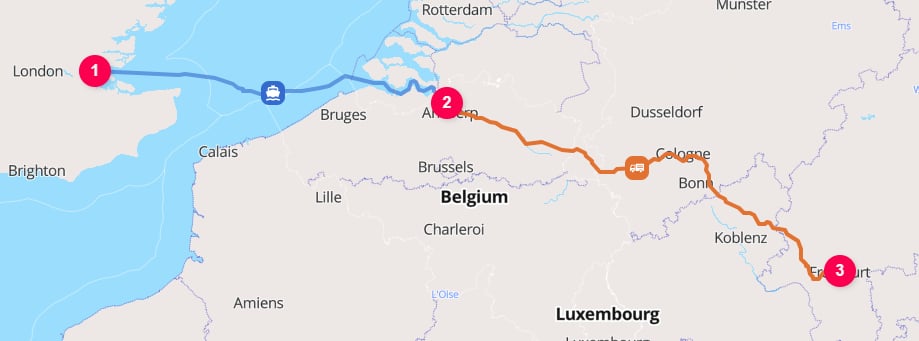
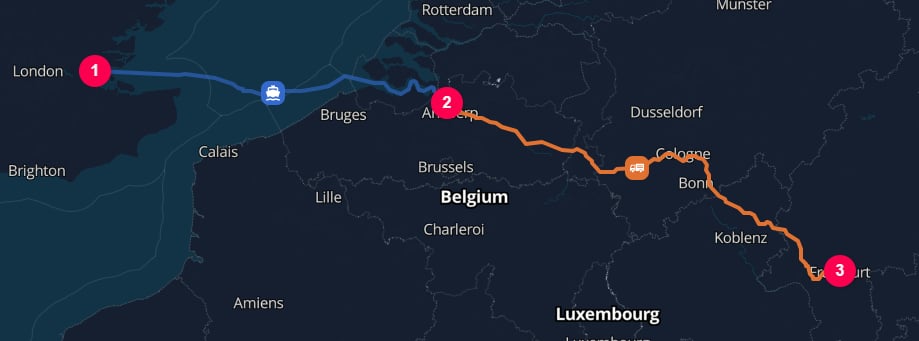
Sea transport from London Gateway to the Port of Antwerp, then by road to Frankfurt’s Römer
Guide map
Use these guides as you replace defaults and model more complex shipments:Access and usage
Shipment structure
Transport operations
Complete schema
Use the Calculation API reference for exact field constraints, allowed values, complete response objects, error codes, and result-storage endpoints.
Troubleshooting
Error responses includetitle, status, code, details, and recommendation properties. Start with details, which normally identifies the field, location, or operation that failed, and then follow recommendation.
For field level validation rules and the complete error code list, use the Calculation API reference.