Use HUB operations to define transfer locations and include emissions from freight handling, storage, and transshipment.
A logistics HUB represents a site where cargo is handled between transport operations, or a logistics facility at the start or end of a transport chain.
Hubs can contribute emissions from loading and unloading, moving cargo within the facility, and freight related energy use such as lighting, heating, and cooling.Add hubs to a transport chain when you know the location where one requested leg ends and another begins.
TerraTwin can automatically insert hubs between the transport operations in a calculation, including first and last mile connections, as well as at stopover airports.
Transport boundary
A HUB placed between two transport operations defines the end location of the incoming leg and the start location of the outgoing leg.
Location
Every hub needs a location.Use the same PLACE, AIRPORT, RAIL_YARD, or HARBOR locations used for origins and destinations.
Hub type
Use hubType to select the kind of facility.If it is omitted, TerraTwin can select a default based on the surrounding transport modes and cargo category.
Insertion options
Use options.hubInsertion to control automatic insertion.Use options.defaultHubTypes to change the default hub type for individual mode transitions.
Including the emissions from logistics hubs is part of TerraTwin’s ISO 14083 aligned calculation model.
Setting a hub type to NONE can produce results that are not fully ISO 14083 compliant.
Defines where the hub is. Accepts any supported request location shape.
hubType
No
Selects the facility category and emissions intensity. If omitted, TerraTwin uses the hub insertion and default hub type rules described below.
An explicit hub does not have transport distance, vehicle, energy, or loading properties.
Its activity is based on the weight of cargo processed at the facility.
Use TRANSSHIPMENT for a straightforward cargo transfer with little or no storage.
Typical examples include moving cargo from one truck to another, from road to rail, or from a flight to a delivery vehicle.
Use WAREHOUSE when storage, order fulfillment, packaging, or distribution is the main activity.
A warehouse is often modelled as the first or last hub in a chain.
Use MARITIME_TERMINAL when a harbor handles cargo moving to or from a vessel.
This is the normal default for transitions involving WATER, except where liquid cargo - in which case LIQUID_BULK_TERMINAL is the default.
Use NONE when the location must remain as a transport operation boundary but no cargo-handling emissions should be applied.
For example, the location may represent an operational stop where the cargo remains on the same vehicle.
{ "type": "HUB", "hubType": "NONE", "location": { "type": "PLACE", "address": "Jubitz Truck Stop, 10210 N Vancouver Way, Portland, OR 97217", "country": "US" }}
NONE removes the hub emissions for that operation. Use it only when no qualifying freight handling occurs, or when hub emissions are intentionally excluded from the calculation.
A logistics hub can be the first or last operation in a transport chain.
Add an endpoint HUB when the origin or destination represents an actual hub operation that you want to model,
such as handling at a warehouse, terminal, or distribution centre.Do not add a HUB solely because the transport chain has an origin or destination.For most calculations, the top-level origin and destination define the transport boundaries without adding hub emissions at those locations.An endpoint hub may be appropriate when the transport service specifically includes activity at a warehouse, terminal, distribution centre, or another logistics facility.When the first chain item is a hub, its location replaces the top-level origin as the start boundary. When the last chain item is a hub, its location replaces the top-level destination as the end boundary.
Storage and repacking emissions should only be included when they form part of the calculation scope.
Their inclusion is optional under the Smart Freight Center GLEC Framework.
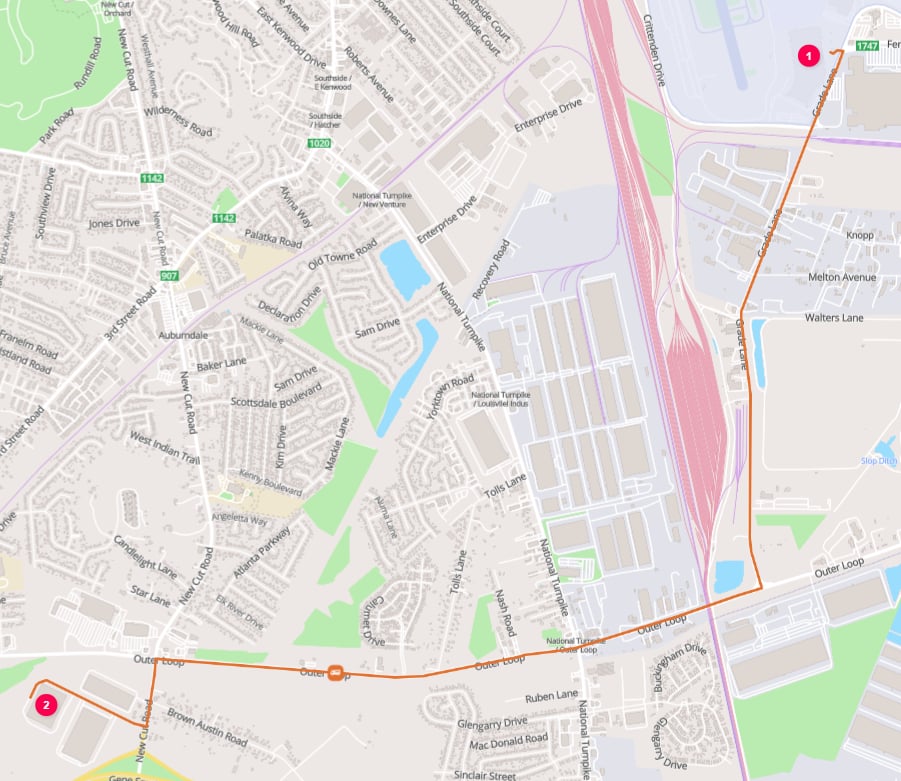
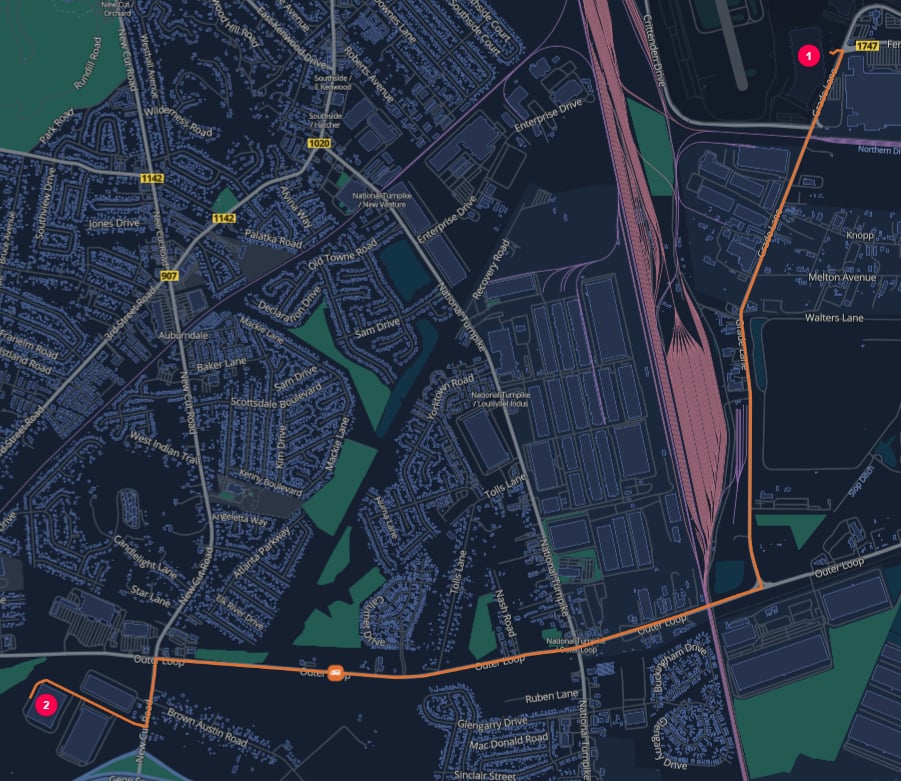
For example, healthcare products are processed through the Worldport sorting operation and transferred to a nearby UPS Healthcare warehouse for temperature controlled storage and subsequent distribution.
This calculation includes warehouse activity at both endpoints and road transport between them.
Origin and destination hubs at UPS Worldport and a nearby UPS Healthcare warehouse in Louisville
Specify hubType explicitly for start and end hubs. Unlike an intermediate hub, an endpoint hub does not have both an incoming and outgoing transport mode from which a transition default can be selected.
By default, TerraTwin inserts logistics hub operations between consecutive transport operations in the calculated route.
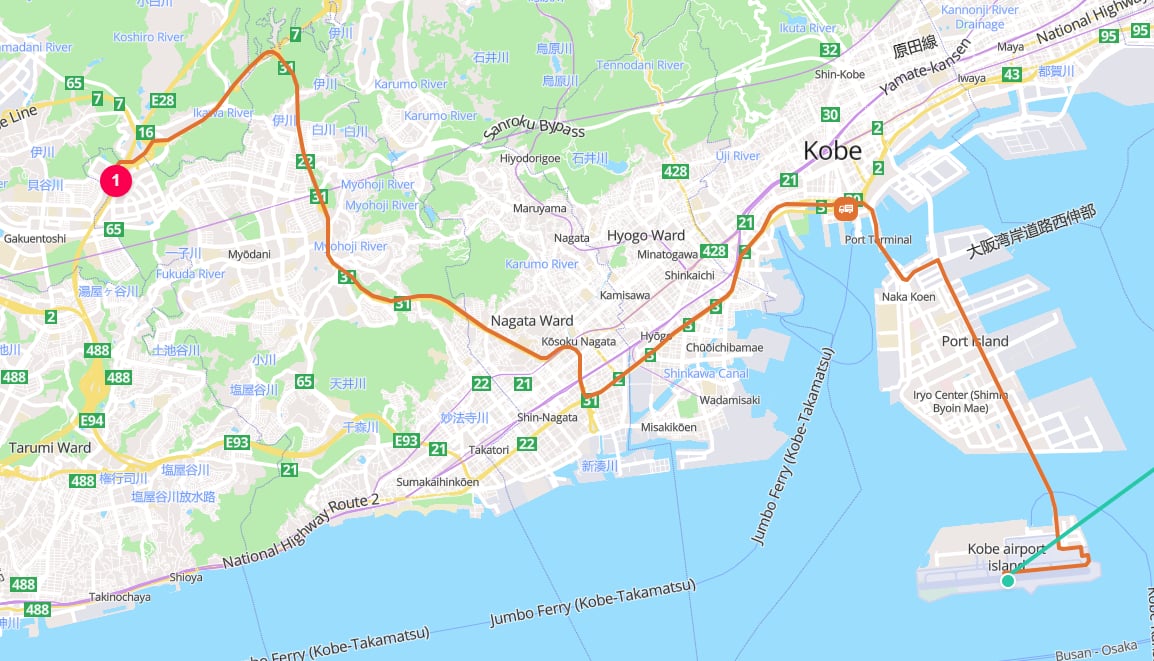
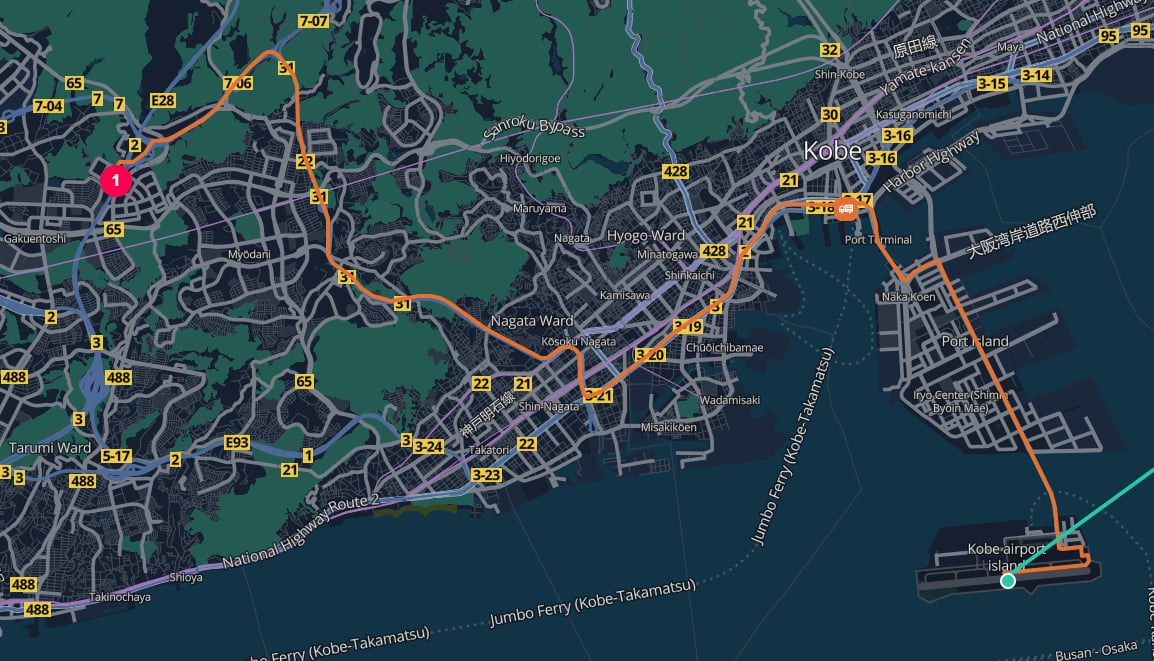
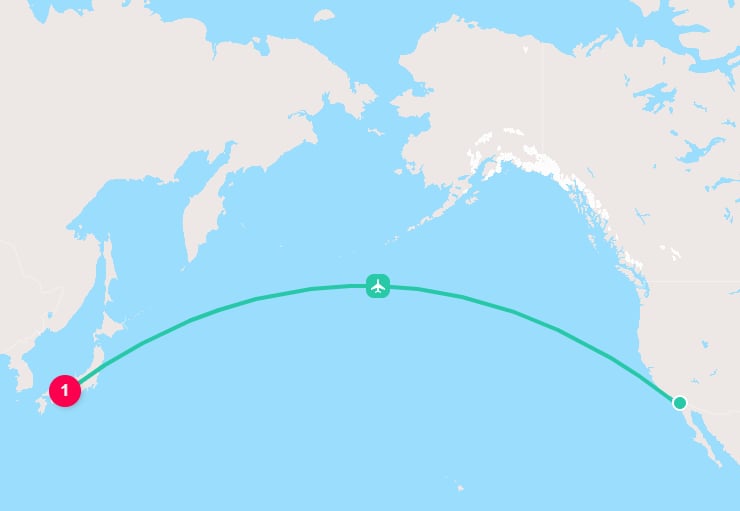
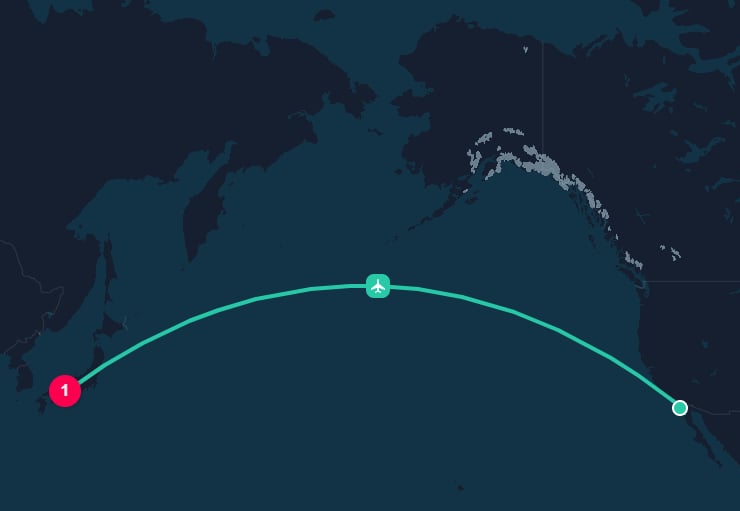
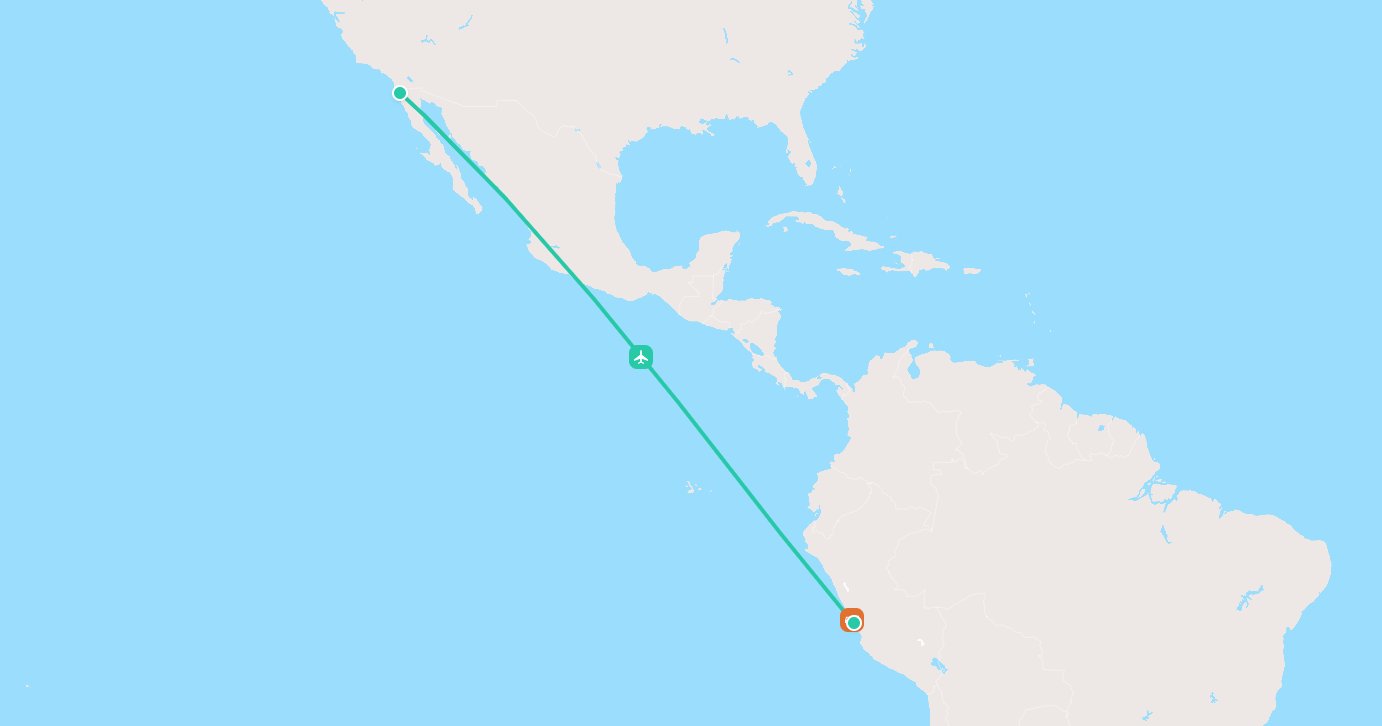
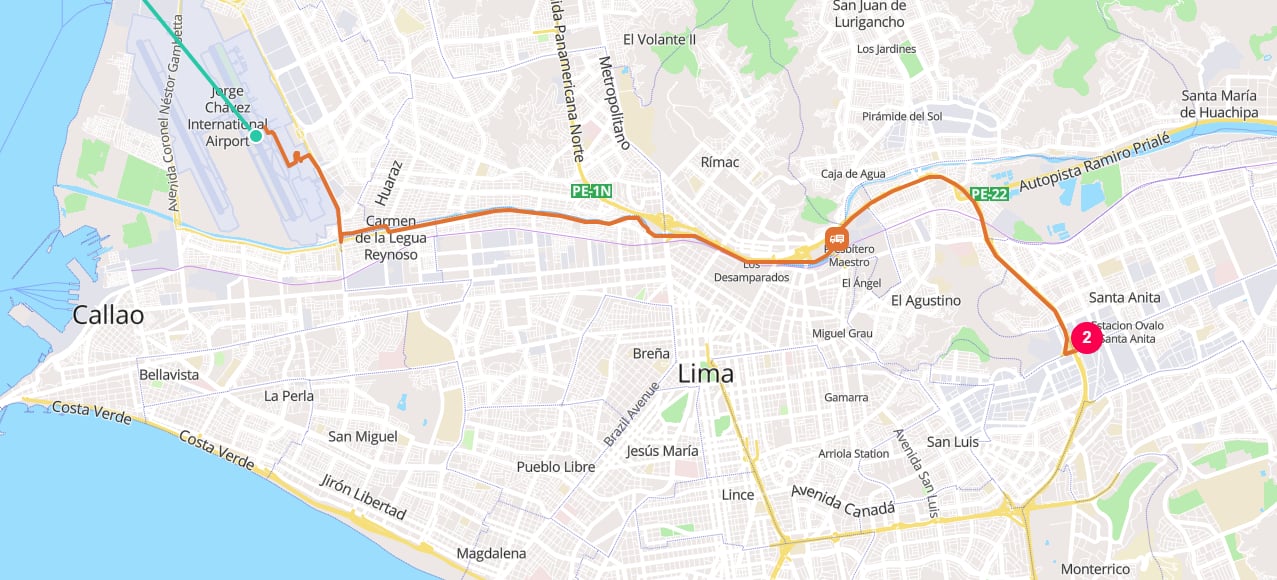
This includes connector operations that TerraTwin adds within a requested leg.For air transport, TerraTwin may generate additional flight segments when the aircraft’s range requires a stopover. A transshipment hub is automatically inserted at each stopover airport.For example, consider cargo traveling from postcode 654-0161 in Kobe to postcode 15008 in Lima, Peru.
The cargo travels by road to Kobe Airport before continuing by air.
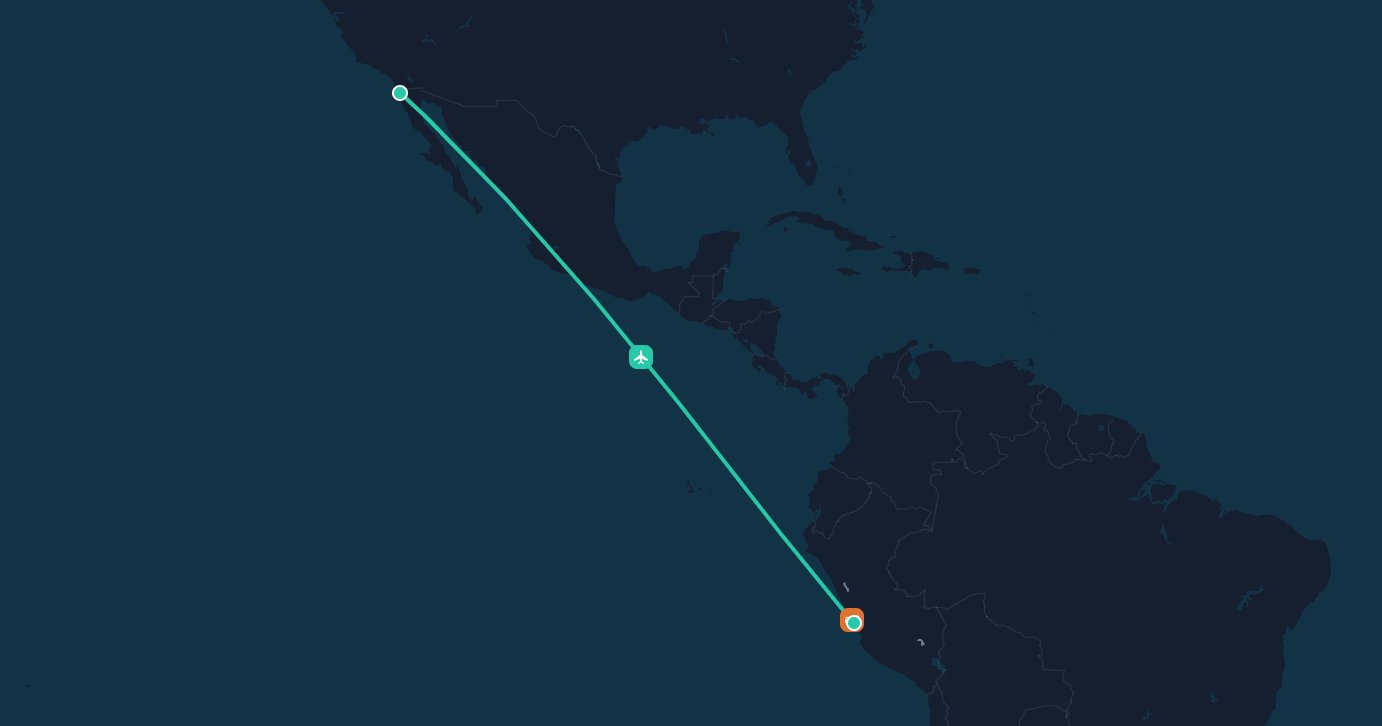
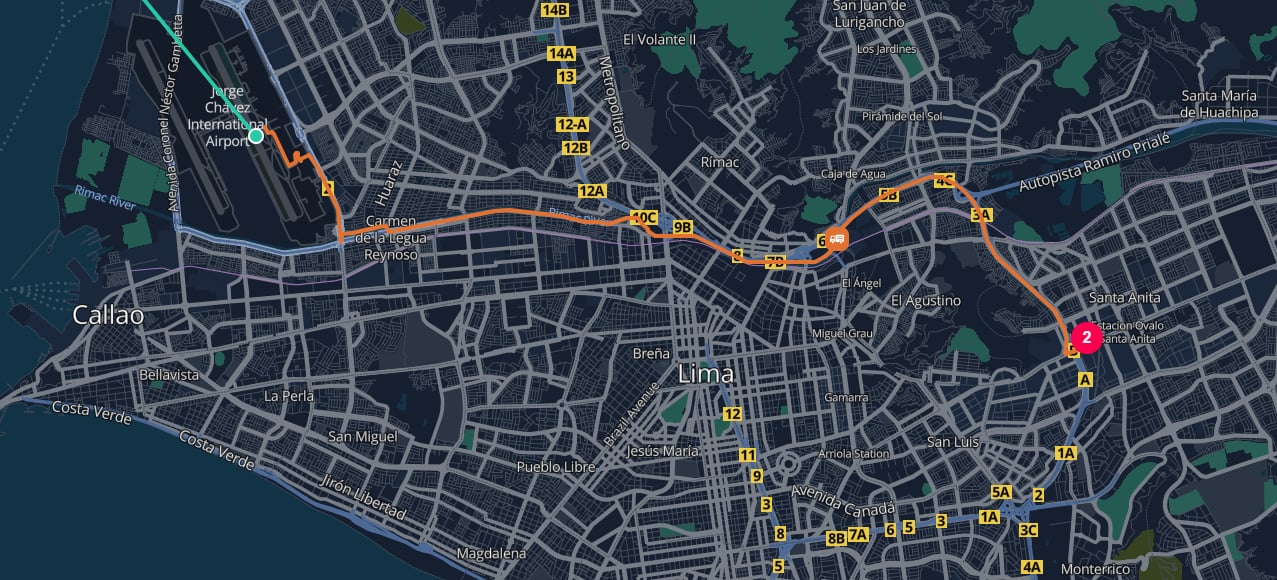
TerraTwin divides the air transport into two flight segments, with a stopover at Tijuana International Airport (TIJ), and inserts hub operations at the departure, stopover, and arrival airports.
Use options.hubInsertion to control whether TerraTwin inserts hub operations automatically.
Value
Behavior
AUTOMATIC_ON_ALL_TRANSITIONS
Default. Inserts a logistics hub between realized transport operations and selects a hub type from defaultHubTypes or the built-in transition rules.
MANUAL
Disables automatic hub insertion. Only explicit hubs with an explicit emissions-generating hubType contribute hub emissions.
Set the option to MANUAL when you want to define every emissions-generating hub yourself:
{ "options": { "hubInsertion": "MANUAL" }}
In manual mode:
TerraTwin does not insert hubs automatically between transport operations, including first-mile and last-mile road connections or flight segments separated by a stopover.
An explicit hub with a specified hubType still contributes hub emissions.
An explicit hub without a hubType remains a location boundary, but does not contribute hub emissions.
Manual insertion places responsibility for complete hub modelling on the request. Missing a transfer hub can understate emissions and reduce ISO 14083 compliance.
Use options.defaultHubTypes to set the hub type for each incoming and outgoing mode combination when no hubType is specified. These defaults also apply to hubs that TerraTwin inserts automatically.Each property name follows the pattern <incomingMode>To<outgoingMode>.
This excludes hub emissions for AIR to AIR transitions while leaving automatic insertion enabled for all other transitions. Use this when an aircraft stops only to refuel and the cargo remains on board.
For a WEIGHTED_MODES operation, TerraTwin evaluates the possible incoming and outgoing child mode combinations.
It determines a default hub type for each combination, then uses the hub type with the highest emissions intensity.Use an explicit hubType when the actual facility type is known and should not depend on the weighted alternatives.
For a hub between two transport operations, TerraTwin applies the following precedence:
1
Use the explicit hub type
If the HUB element contains hubType, TerraTwin uses that value.
2
Check manual insertion
If hubType is omitted and options.hubInsertion is MANUAL, no hub emissions are applied.
3
Use a configured transition default
If options.defaultHubTypes contains the matching incoming-to-outgoing mode property, TerraTwin uses that value.
4
Use the built-in default
Otherwise TerraTwin selects the type from the incoming mode, outgoing mode, and, for applicable transitions, whether the cargo is liquid.
STORAGE_AND_TRANSSHIPMENT and WAREHOUSE are not selected by the built-in transition rules. Supply them explicitly on the hub or configure them through defaultHubTypes when they represent the real facility.
A hub location uses the same schema as a top-level origin or destination.
Choose the location type that best represents the facility.
General facility
Use PLACE for warehouses, distribution centers, depots, and other sites identified by coordinates, address, postcode, or city.
Airport
Use AIRPORT for airport cargo terminals.
Provide an iataCode when the airport is known.
Rail facility
Use RAIL_YARD for rail terminals and network connection points.
Identify a specific facility with coordinates or address information.
Harbor
Use HARBOR for maritime and liquid bulk terminals at ports.
Provide a unLoCode when the harbor is known.
The location.type and hubType describe different things.
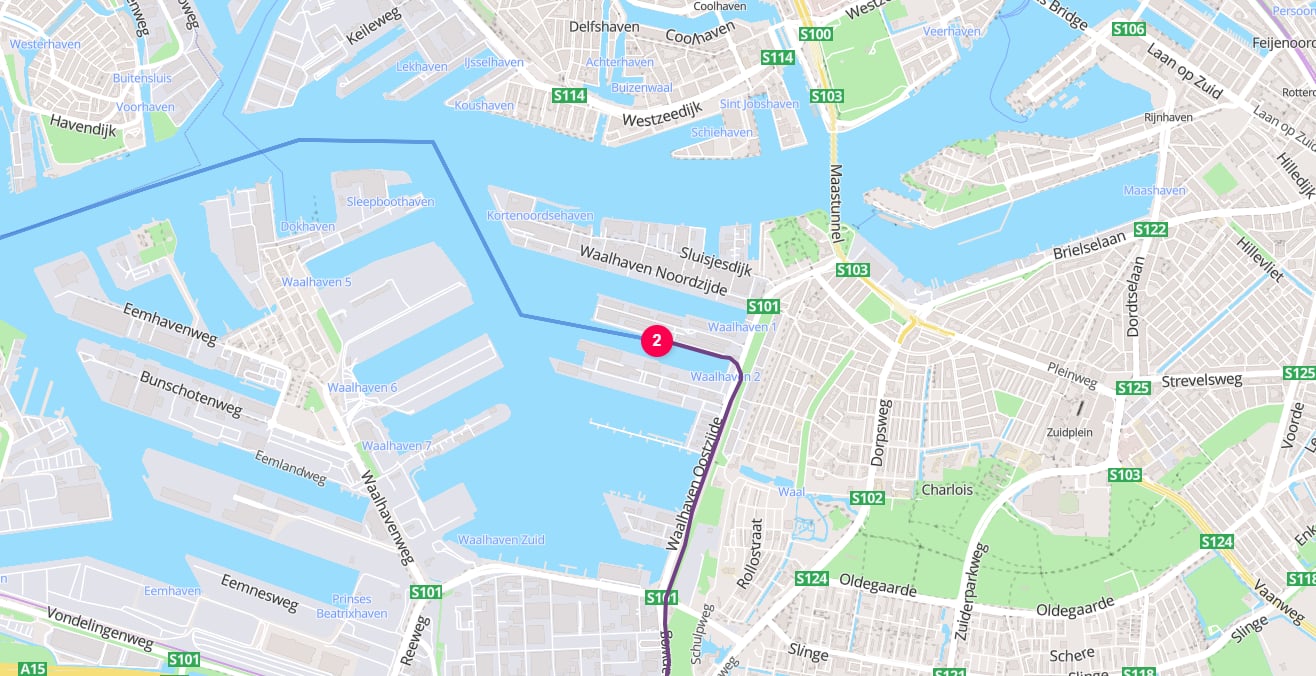
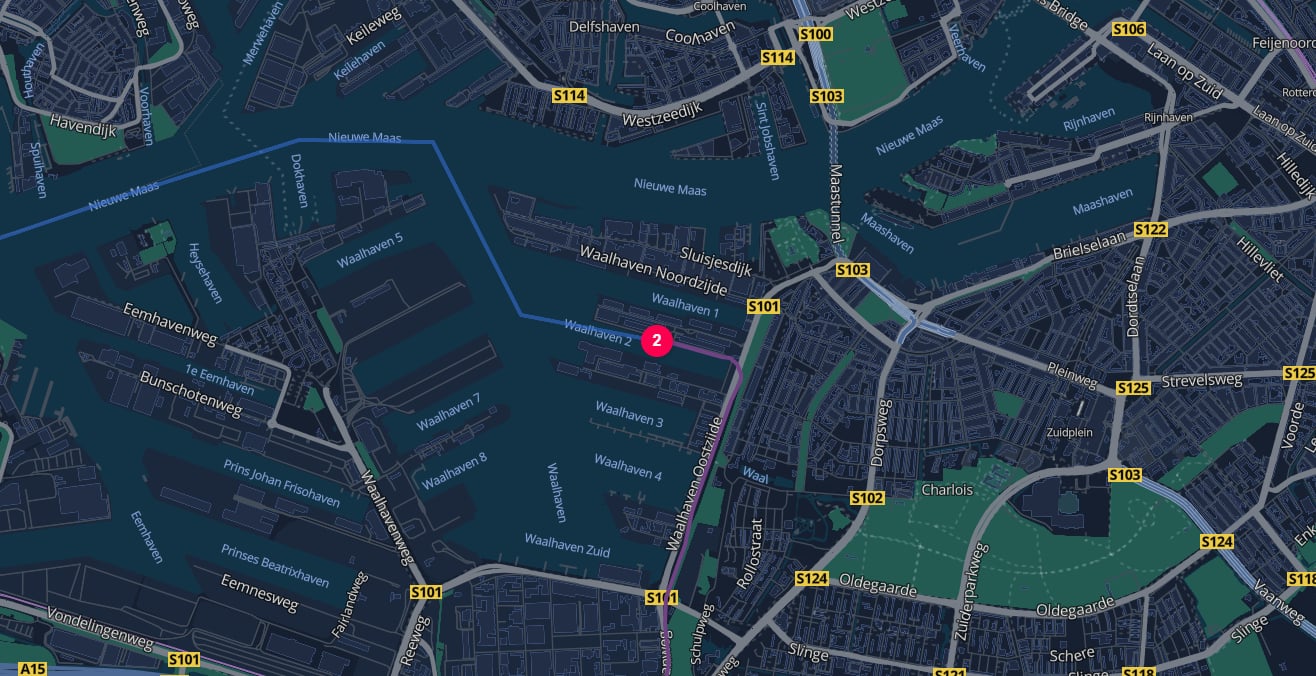
For example, a hub may use location.type: "HARBOR" to select the Port of Rotterdam and hubType: "LIQUID_BULK_TERMINAL" to select the facility activity and emissions intensity within that harbor.
Add a HUB between requested transport operations whenever you know where the cargo changes vehicle, mode, provider, or handling process.
2
Specify the actual facility type
Set hubType explicitly when the site is a warehouse, mixed storage facility, liquid bulk terminal, or another known category that differs from the built-in transition default.
3
Use transition overrides narrowly
Configure only the defaultHubTypes properties that differ from TerraTwin’s built-in defaults. Use NONE only for transitions where no qualifying handling emissions occur.
4
Type endpoint hubs explicitly
When a hub at the start or end of the chain represents logistics activity included in the calculation, specify its hubType. TerraTwin does not assign a default hub type to endpoint hubs.